Swap Crypto From Hardware Wallet Safely
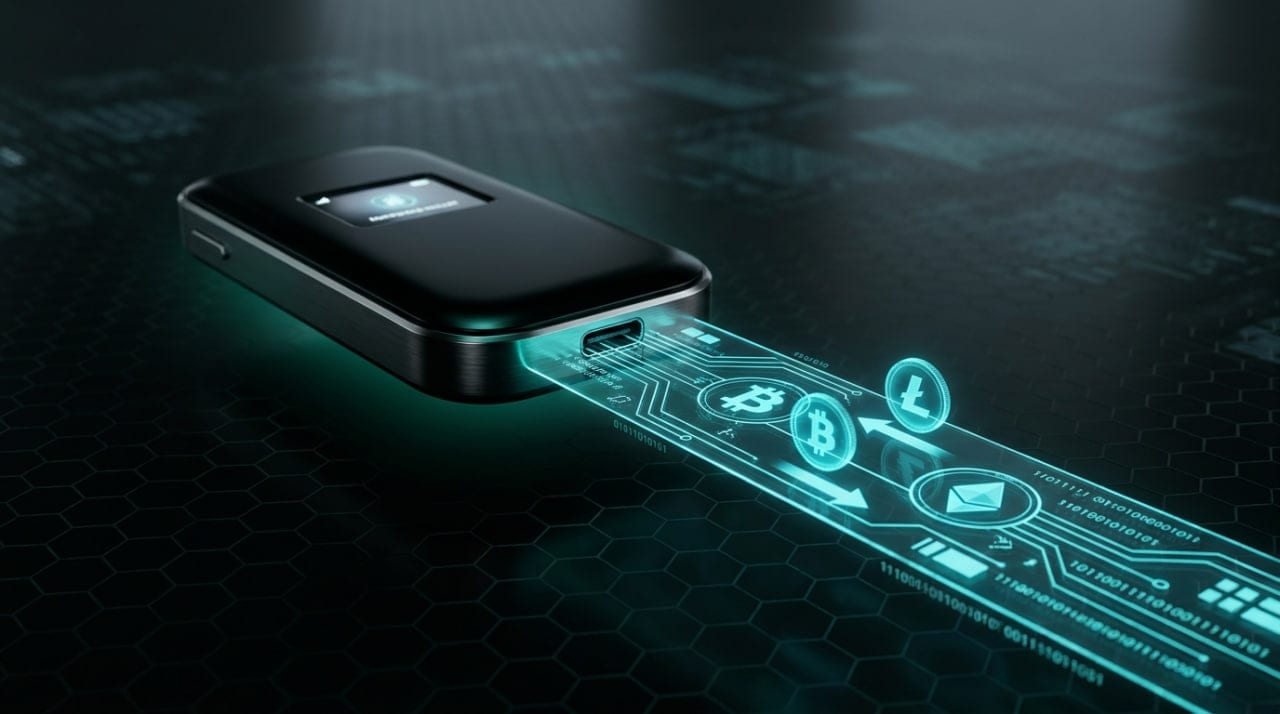
When you want to trade assets without risking them on a centralized exchange, you can successfully swap crypto from hardware wallet storage using non-custodial exchanges. This process keeps your private keys completely offline while allowing you to send a deposit and receive the new asset directly back to your secure cold storage address.
Why Swap Crypto From a Hardware Wallet?
Traditional trading requires you to send your assets to a centralized exchange (CEX) like Binance or Coinbase. Once your coins hit their deposit address, you no longer control the private keys and are suddenly subject to withdrawal freezes, account lockouts, or exchange insolvency. Moving funds to an intermediate hot wallet—like a browser extension with keys stored on your computer's hard drive—reintroduces severe malware and keylogging risks.
By executing the trade directly from your Ledger, Trezor, or Coldcard, the physical device only signs the specific outbound transaction. The cryptographic keys never touch internet-connected memory. This method heavily protects your operational security and shields your privacy, as you avoid the extensive data logging, IP tracking, and identity verification that centralized platforms mandate for basic trading.
How to Swap Crypto From Hardware Wallet Safely
Trading directly from cold storage requires coordinating your hardware device, a wallet interface, and a non-custodial exchange. Follow these steps to complete a trade while ensuring your seed phrase remains entirely offline.
- Connect your hardware wallet to a compatible desktop software interface like Sparrow, Electrum, or MetaMask via USB.
- Generate a fresh, unused receiving address on your hardware wallet for the specific asset you plan to receive.
- Open a non-custodial swap platform, configure your desired trading pair, and paste your hardware wallet's new receiving address as the destination.
- Verify the swap platform's provided one-time deposit address and the exact deposit amount required.
- Construct the send transaction in your desktop wallet interface, sending the exact required amount to the provider's deposit address.
- Review the transaction details on your hardware device's physical screen, confirm the destination address matches character-for-character, and physically press the button to sign and broadcast the trade.
The Mechanics of a Cold Storage Crypto Swap
There are two primary ways to execute trades from cold storage: interacting with a decentralized exchange (DEX) via a Web3 connection, or using a direct-deposit routing swap. Web3 connections require you to bridge your hardware wallet to a browser extension, which then passes smart contract approvals to the device. While convenient for swapping tokens natively on a single network, blind signing complex smart contracts on a tiny hardware screen obscures exactly what permissions you are granting to external developers.
The direct-deposit method is much simpler and inherently cross-chain. Services like MistySwap act as instant liquidity routers that do not require account creation, KYC data, or invasive smart contract approvals. You simply swap BTC to ETH by generating a standard transaction on your native Bitcoin wallet and sending it to a one-time deposit address. The routing service detects the incoming transaction on the blockchain and automatically disperses the equivalent Ethereum to the destination address you previously provided. To understand the exact backend mechanics of these routing protocols, you can review how the swap process works.
In both methods, the hardware device acts strictly as a dumb signer. It receives an unsigned transaction payload from the internet-connected computer, uses the offline seed phrase to cryptographically sign it, and passes the resulting signed hash back to the software to be broadcasted.
Overcoming Cross-Chain Limitations
Swapping tokens within the exact same blockchain ecosystem is relatively straightforward, but moving value across entirely different networks presents unique challenges for cold storage users. Hardware wallet software is usually heavily compartmentalized. For example, your Ledger Live or Trezor Suite interface manages your Bitcoin balances in a completely different software environment than your Ethereum or Solana accounts.
Because a hardware wallet cannot natively sign a transaction that burns a coin on Bitcoin and mints it on Ethereum, cross-chain swaps historically required wrapped tokens or centralized custodians. Direct-deposit non-custodial routers eliminate this technical barrier entirely. By acting as a liquidity bridge, the service allows your hardware wallet to stay in its native network environment for the outbound send.
You only need to supply the destination address for the new blockchain. If you want to swap BTC to USDC to escape market volatility, your hardware wallet simply signs a standard Bitcoin transaction. The swap infrastructure detects the network settlement and disperses the stablecoin to your Ethereum address, completing the cross-chain jump without your keys ever leaving their respective cold storage silos.
Protecting Your Privacy During the Process
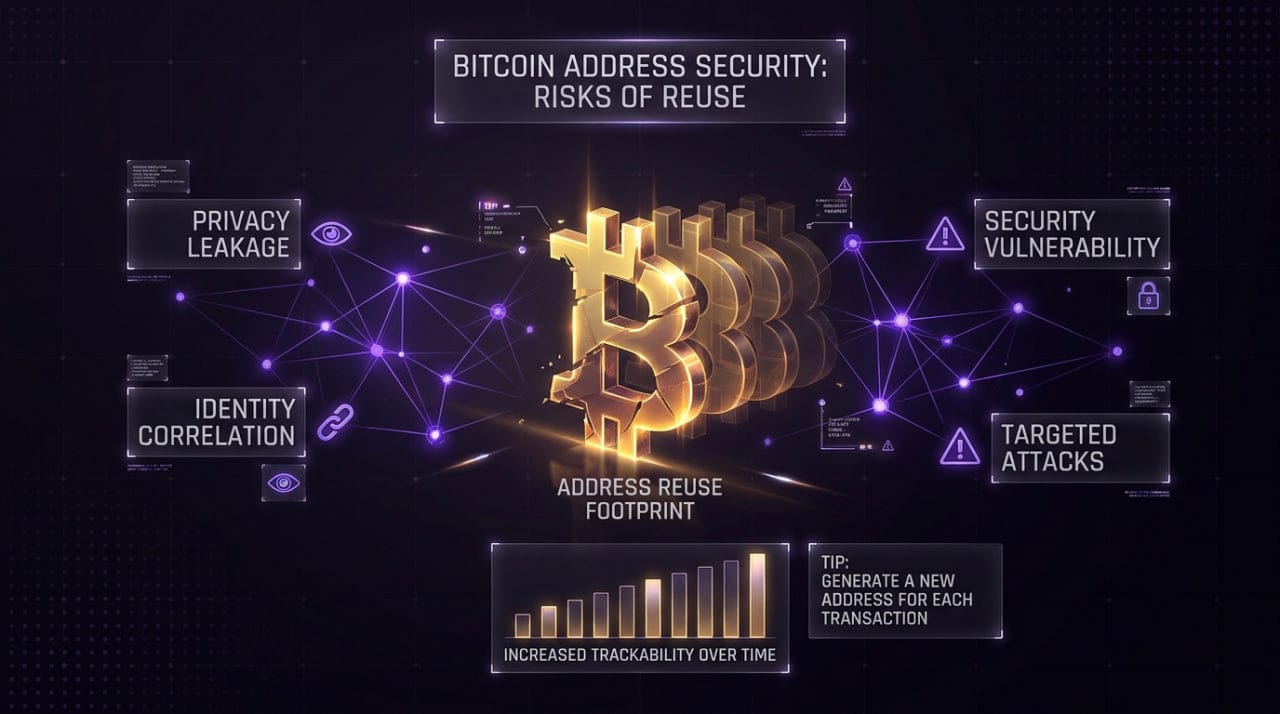
Using a non-custodial exchange prevents the collection of your personal ID, but you still leave a visible trail on the public blockchain. Address reuse is the most common privacy failure when users swap assets from a hardware wallet. If you receive your swapped assets into the exact same address you use for long-term holding, anyone monitoring block explorers can instantly link your trading activity to your entire cold storage balance.
Always generate a fresh receiving address for every single swap transaction. Hardware wallets utilize hierarchical deterministic (HD) architecture, meaning a single seed phrase can generate virtually infinite public addresses. You should also consider network-level privacy, as the node receiving your broadcasted transaction logs your computer's IP address.
To mitigate network surveillance, route your desktop wallet traffic through Tor or a trusted VPN before broadcasting the signed swap. Advanced users should connect their wallet software directly to their own full node. This ensures you do not leak your hardware wallet's master public key (xpub) to third-party RPC servers when querying your balance or confirming the outbound swap transaction.
Managing Network Fees and UTXOs
Unlike trading on a centralized order book, hardware wallet crypto swaps occur entirely on-chain. This means you must pay network miner fees for both the outbound deposit and the inbound receipt. If you are swapping during periods of high network congestion, these base layer fees can significantly eat into your trading margins. Always check a real-time mempool tracker before initiating a transaction to ensure you set a high enough fee rate for a timely confirmation.
If you set the outbound fee too low, your transaction might sit unconfirmed in the mempool for days. Most non-custodial swap providers lock in the exchange rate for a specific window, usually 10 to 60 minutes. If your transaction confirms after this timeframe expires, the provider will usually either recalculate the rate based on the current market price or refund the deposit, minus the network mining fees.
Hardware wallet users must also strictly manage their Unspent Transaction Outputs (UTXOs). If you attempt to fund a single large swap using dozens of small mining payouts or dollar-cost average deposits you accumulated over years, the physical data size in bytes of that transaction will be massive. Hardware wallets have highly constrained processing power and limited RAM.
Attempting to sign a massive transaction with too many inputs can cause the physical device to time out or freeze entirely, forcing a hard reset. To avoid this, consolidate your UTXOs during low-fee weekend environments. Send your accumulated small balances to a fresh address you own, creating a single, clean input ready for when you actually need to execute a time-sensitive swap.
FAQ
Can a smart contract drain my hardware wallet?
If you blindly sign a malicious token approval via a Web3 browser interface, a smart contract can theoretically drain the specific token limit you approved. This is why many privacy-focused users prefer direct-deposit swaps, which only require standard send transactions rather than complex smart contract interactions. Always read the exact spending limit on your device's physical screen before confirming any Web3 interaction.
Do I need to enter my seed phrase to swap?
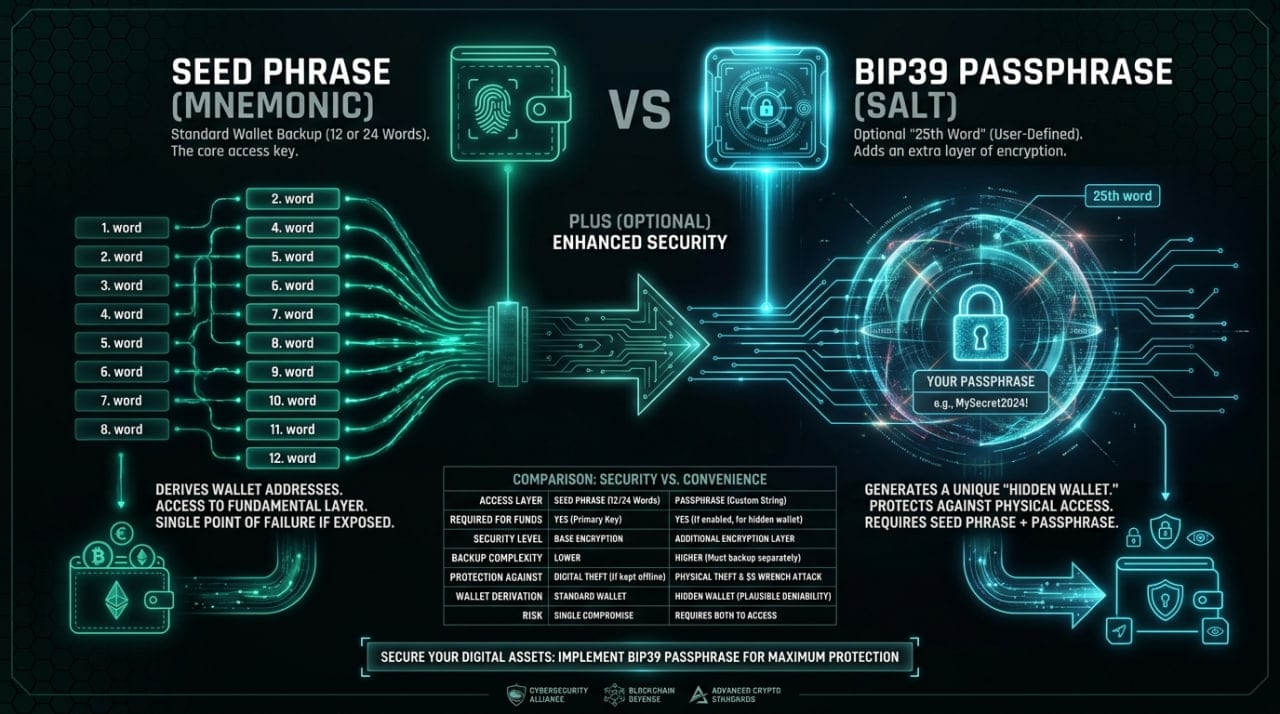
No, you should never type your seed phrase into any website, desktop software, or computer keyboard. The entire purpose of a hardware wallet is to keep the seed phrase physically isolated on the device's secure element chip. When executing a swap, you only press the physical buttons on the device to mathematically approve the specific outbound transaction.
How long does a cold storage crypto swap take?
The timeframe depends entirely on the block times and current congestion of the networks involved. A swap from a fast network like Solana to Polygon might settle in under two minutes. However, if you are swapping Bitcoin, the service will typically require at least one on-chain confirmation, which takes an average of ten minutes but can take much longer depending on the network fee you applied.
What happens if my hardware wallet disconnects during a trade?
If the device unplugs before you sign the transaction, the outbound transfer will simply fail to broadcast and your funds remain safely in your wallet. If you have already signed and broadcasted the transaction to the network, the swap provider will process the trade and send the assets to your designated receiving address, regardless of whether your device is currently plugged into your computer.
How do I verify a swap deposit address on my hardware wallet?
When preparing the outbound transaction, your wallet software will display the destination address on your computer monitor, but malware can alter this display. You must look at the physical screen of your hardware wallet and verify that the destination string matches the deposit address provided by the swap service. If the characters on the device screen do not perfectly match the intended deposit address, cancel the transaction immediately.
Informational only — not financial, legal, or tax advice.