Sent BEP20 to ERC20 Address? How to Recover
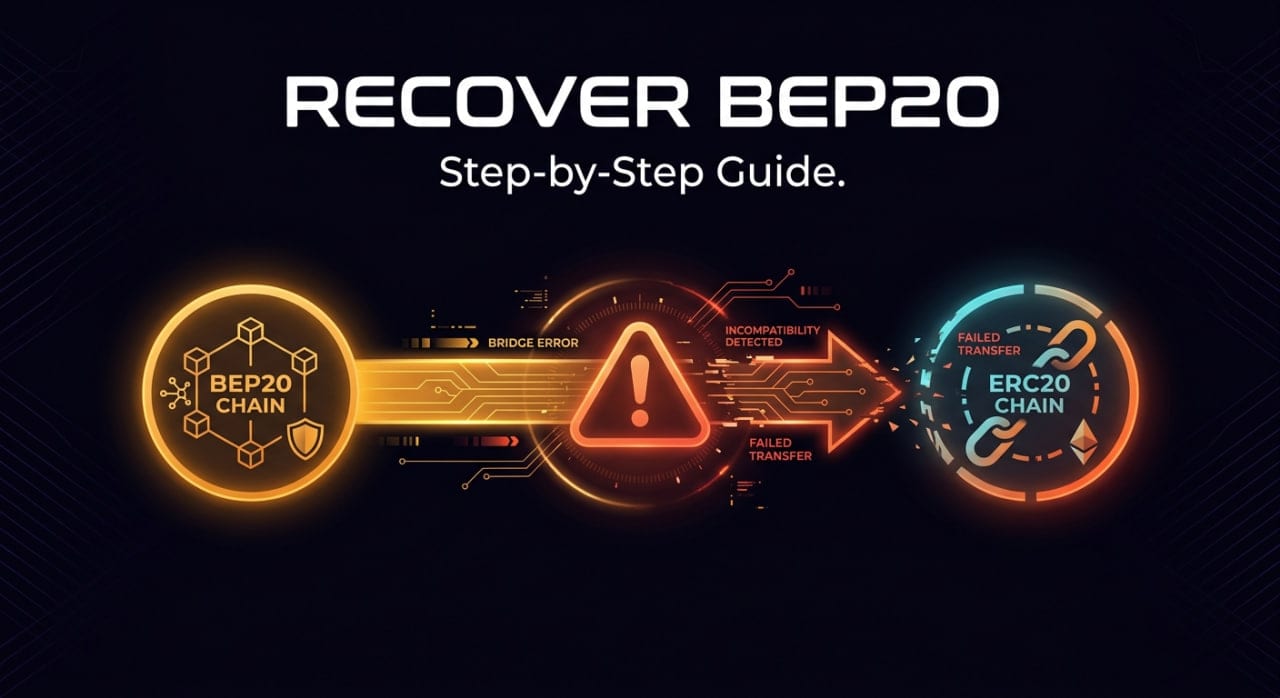
If you accidentally sent BEP20 to an ERC20 address, take a deep breath because your funds are almost certainly not lost. Because the Binance Smart Chain (BSC) is a direct fork of Ethereum, your Ethereum wallet address and your BSC wallet address share the exact same private key. As long as you hold the seed phrase for the receiving wallet, you simply need to connect your wallet software to the right network to access your tokens.
Why Sending BEP20 to an ERC20 Address Doesn't Mean Lost Funds
Ethereum and the BNB Smart Chain (formerly Binance Smart Chain) both operate using the Ethereum Virtual Machine (EVM). This shared architecture means they generate cryptographic addresses using the exact same mathematical rules. Under the hood, both networks use the same derivation path for generating addresses from a seed phrase. When you create a standard Ethereum wallet, the resulting 0x address exists simultaneously across all EVM-compatible networks.
Your private key acts as the master password for that specific 0x address on Ethereum, BSC, Polygon, Avalanche, and many others. The blockchain is simply a public ledger, and your wallet software is just a viewer reading that ledger. If you control the key, you control the address on every single EVM chain.
When you withdraw a token from an exchange and accidentally select the BEP20 network instead of ERC20, the exchange executes the transaction perfectly. They route the tokens over the Binance Smart Chain to the 0x address you provided. The tokens successfully arrive at your address, but they are recorded on the BSC ledger rather than the Ethereum ledger. Your standard Ethereum wallet interface shows a zero balance simply because it is looking at the wrong blockchain.
Step-by-Step: How to Recover BEP20 Tokens Sent to an ERC20 Address
Follow these exact steps to force your wallet to look at the correct blockchain and display your missing funds.
- Open a non-custodial Web3 wallet like MetaMask, Trust Wallet, or Rabby.
- Import the 12-word seed phrase or private key of the ERC20 address that received the funds.
- Navigate to the network selection dropdown menu at the top of your wallet interface.
- Select "Add Network" and choose BNB Smart Chain from the popular networks list.
- Switch your active network from Ethereum Mainnet to BNB Smart Chain.
- Import the specific token's BEP20 contract address to make your balance visible.
Adding the BNB Smart Chain Manually
Most users panic because they open MetaMask, see the Ethereum Mainnet, and their balance reads zero. To fix this, you must instruct your wallet to connect to the Binance Smart Chain nodes. Modern versions of MetaMask usually have the BNB Smart Chain available as a default option to toggle on in the network settings. You can also use a tool like Chainlist to automatically populate the correct network data into your wallet.
If you are using an older wallet or a different interface, you may need to add the network manually using the official BSC RPC details. You will need to enter "BNB Smart Chain" as the network name and "https://bsc-dataseed.binance.org/" as the RPC URL. The Chain ID is 56, the currency symbol is BNB, and the block explorer is "https://bscscan.com". Once you save these settings and switch the network, your wallet will query the BSC ledger using your existing 0x address.
Finding and Importing the Custom Token
Even after switching networks, your specific token might not appear immediately on your screen. Wallets natively display the base gas token for the active network—in this case, BNB—but they require you to manually add custom smart contract tokens. If you sent BEP20 USDT, your wallet needs the specific BSC contract address for USDT to know what to look for.
To find your missing funds, paste your 0x public address into a block explorer like BscScan. Look at the "Token Holdings" dropdown menu to confirm the assets are sitting safely in your wallet. Click on the token to view its profile and copy the official BEP20 contract address. Return to your wallet, click "Import Tokens," paste the contract address, and your balance will finally appear.
Moving Your Recovered Funds Back to Ethereum
Once you have recovered your tokens on the Binance Smart Chain, you might still need them on the Ethereum network. You cannot simply send them from your BSC wallet back to an Ethereum address, as that will just repeat the initial mistake. Instead, you must use a cross-chain bridge or a swap service to move the value across ledgers.
Before you can move the tokens, you must deposit a small amount of BNB into your wallet to pay for the network gas fees. Understanding how fees work across different chains is critical, as you cannot pay BSC gas fees with Ethereum. Once funded, you can use a decentralized bridge to lock your BEP20 tokens and mint equivalent ERC20 tokens on Ethereum. Always verify all supported coins and networks before initiating a cross-chain transfer to ensure the route is available.
The Custodial Exchange Catch
The recovery steps above only work if you control the private keys to the receiving address. If you sent BEP20 tokens to an ERC20 deposit address at a centralized exchange (like Kraken or Gemini), you cannot import the private key because the exchange holds it. You must contact their customer support, though many exchanges refuse to recover cross-chain deposits due to strict security policies regarding key extraction.
This highlights the core advantage of self-custody and decentralized finance. When using a non-custodial service like MistySwap, how the swap process works ensures you always retain control of your private keys. If you make a routing mistake to your own wallet, you have the cryptographic authority to fix it. Just remember that if you plan to swap BTC to USDT, always double-check that your destination network matches your intended wallet setup.
FAQ
Can I recover BEP20 tokens sent to a Coinbase ERC20 address?
Usually, no. Coinbase controls the private keys for their deposit addresses and currently does not support BEP20 token recovery for standard retail accounts. You can contact their support team, but they typically state that unsupported network deposits are permanently inaccessible.
Do I need BNB to move my recovered BEP20 tokens?
Yes. Because your tokens are sitting on the BNB Smart Chain, you must pay network gas fees in BNB, not ETH. You will need to send a small amount of BEP20 BNB to your address to fund the transaction before you can transfer or swap the recovered tokens.
What if I sent ERC20 tokens to a BEP20 address instead?
The exact same recovery logic applies in reverse. You simply need to import the private key of the BEP20 address into an Ethereum-compatible wallet and switch the active network to Ethereum Mainnet. Your tokens will be sitting there waiting for you.
How long does it take for BEP20 tokens to arrive?
The Binance Smart Chain is fast, typically processing blocks in about three seconds. If you sent the transaction and it has been more than a few minutes, the funds have already arrived at the address on the blockchain. If you cannot see them, it is purely a wallet display or network configuration issue.
Informational only — not financial, legal, or tax advice.